

- Use for specific members, who use payment methods like direct debit, that require more time to process before the start of the new billing period.
- Offer all members an extended timeframe to complete their payments on time before the next subscription period.
Setting the default (location level)
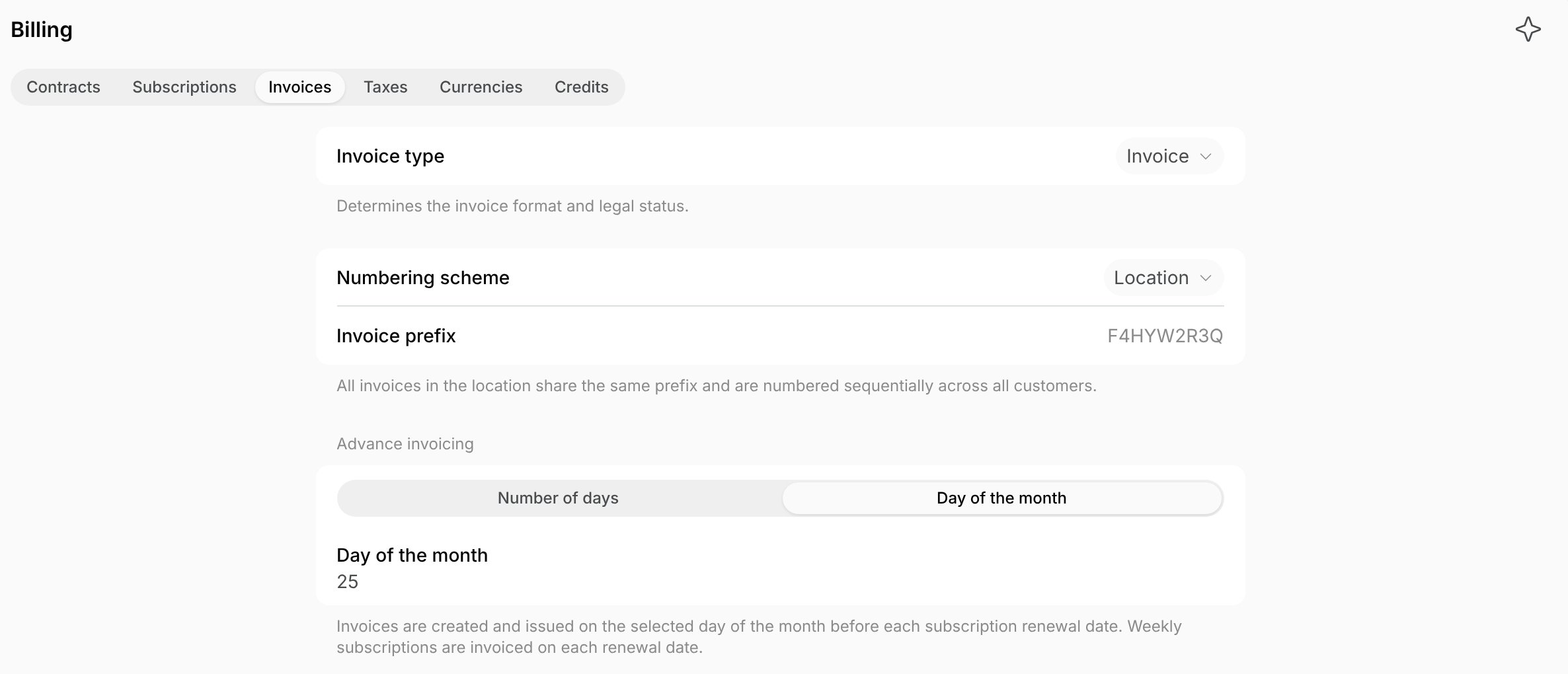
- Go to Location settings > Billing page > Invoices tab.
- In the Advance invoicing section, choose when upcoming invoices are automatically created and issued to your customers:
- Number of days — set how many days before the subscription renewal date.
- Day of the month — set a day from 1 to 28. Invoices are issued on that day in the month before the renewal date, such as on December 5 for a January 1 renewal. Weekly subscriptions are invoiced on their renewal date.
Setting a custom value (subscription level)
- Go to Customers > open the necessary customer profile.
- Press the (…) button near the subscription > Edit.
- In the Advance invoicing section, select Number of days or Day of the month and set the value for all subsequent invoices of this subscription.
- Default follows the location setting.
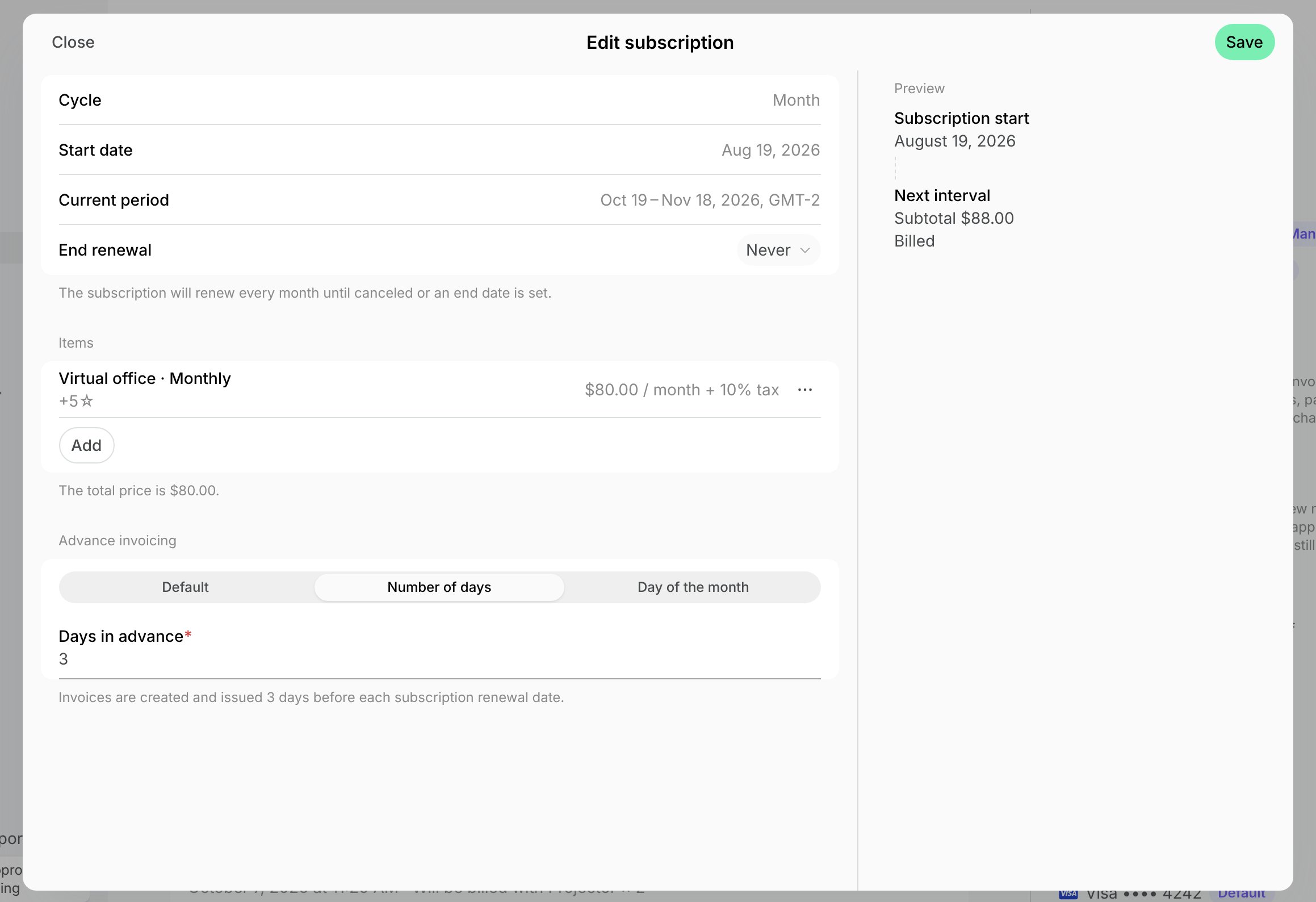
If you update the advance invoicing value, the change applies automatically to the existing upcoming invoices and all new invoices.
How advance invoicing works with bookings
When advance invoicing is enabled, the advance invoicing date determines which bookings are bundled together. The billing period is handled as follows:- Bookings paid with the Invoice payment method that took place before the advance invoicing date are bundled into the upcoming advance invoice that is about to be issued. The upcoming invoice will include the main membership/subscription payment, and all bookings that happened before the advance invoicing date.
- Bookings paid with the Invoice payment method that take place after the advance invoicing date cannot be added to the upcoming invoice. Instead, they are held and included in a separate, subsequent invoice.
- Main invoice (issued on the 21st): Includes the main subscription amount plus all bookings from the 1st to the 20th of the month (e.g., bookings from the 4th and 7th).
- Subsequent invoice (issued on the 1st): Includes any bookings after the 20th, as they occurred after the main invoice was already generated.